
Before Starlink
My Rogers internet has always been unreliable. It drops several times a day, and occasionally the whole neighbourhood goes down for hours. To make things worse, there's no other provider available at my address. It's a serious problem when it happens in the middle of an important video call, so I figured Starlink would make a perfect backup, even though it won't help during a power outage either.
Before signing up for Starlink, I also tried Rogers' "5G Home Internet" plan, which is essentially a SIM card in a cellular modem with built-in Wi-Fi. That didn't go well. My area also happens to have terrible cell reception, and the default Nokia 5G modem is poor at both picking up a cellular signal and broadcasting Wi-Fi.
After Starlink
With Starlink's $55/month trial offer and free hardware rental, I signed up just to give it a try.
Design
Starlink arrived in an eco-friendly cardboard box with everything neatly packed inside. Honestly, the dish was about twice as big as I'd imagined. It also came with a power supply, a small Wi-Fi router, and all the cables you need. Everything is waterproof except the router. The intended setup is to run the cable into your home (by drilling a hole through the wall) and set up your Wi-Fi network indoors.
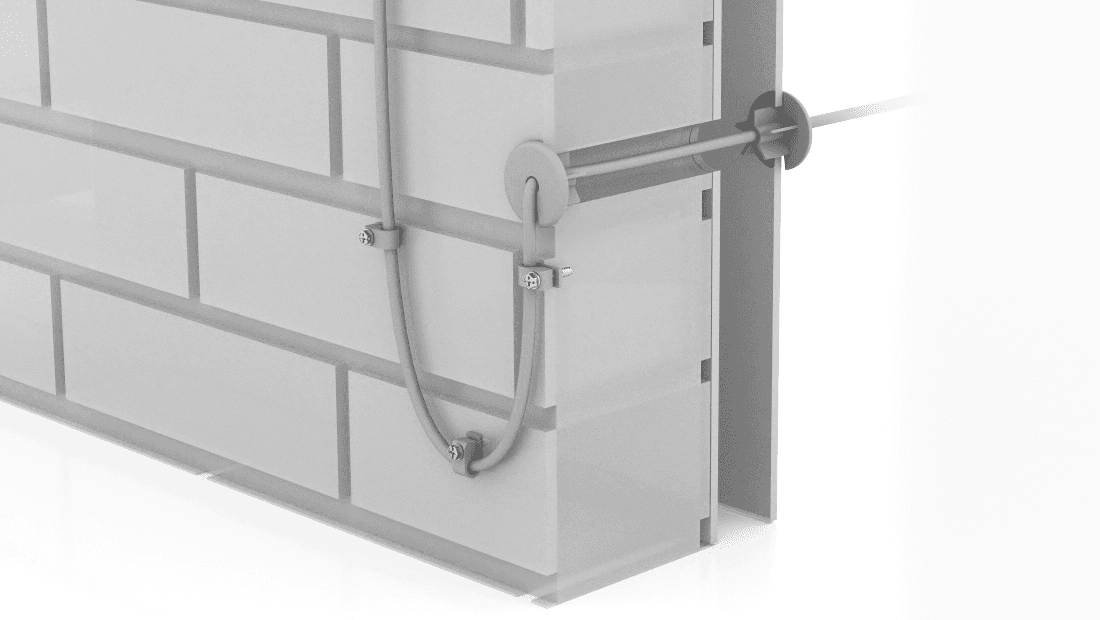
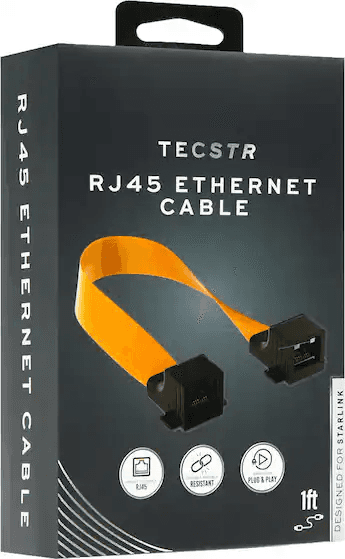
Not wanting to drill a hole, I explored a few alternatives. My first thought was a flat cable that runs through a door or window gap. Amazon even sells flat cable adapters made specifically for Starlink. But after looking at how my doors and windows are built, I didn't think it was a good idea; the cable would likely break within a few months.
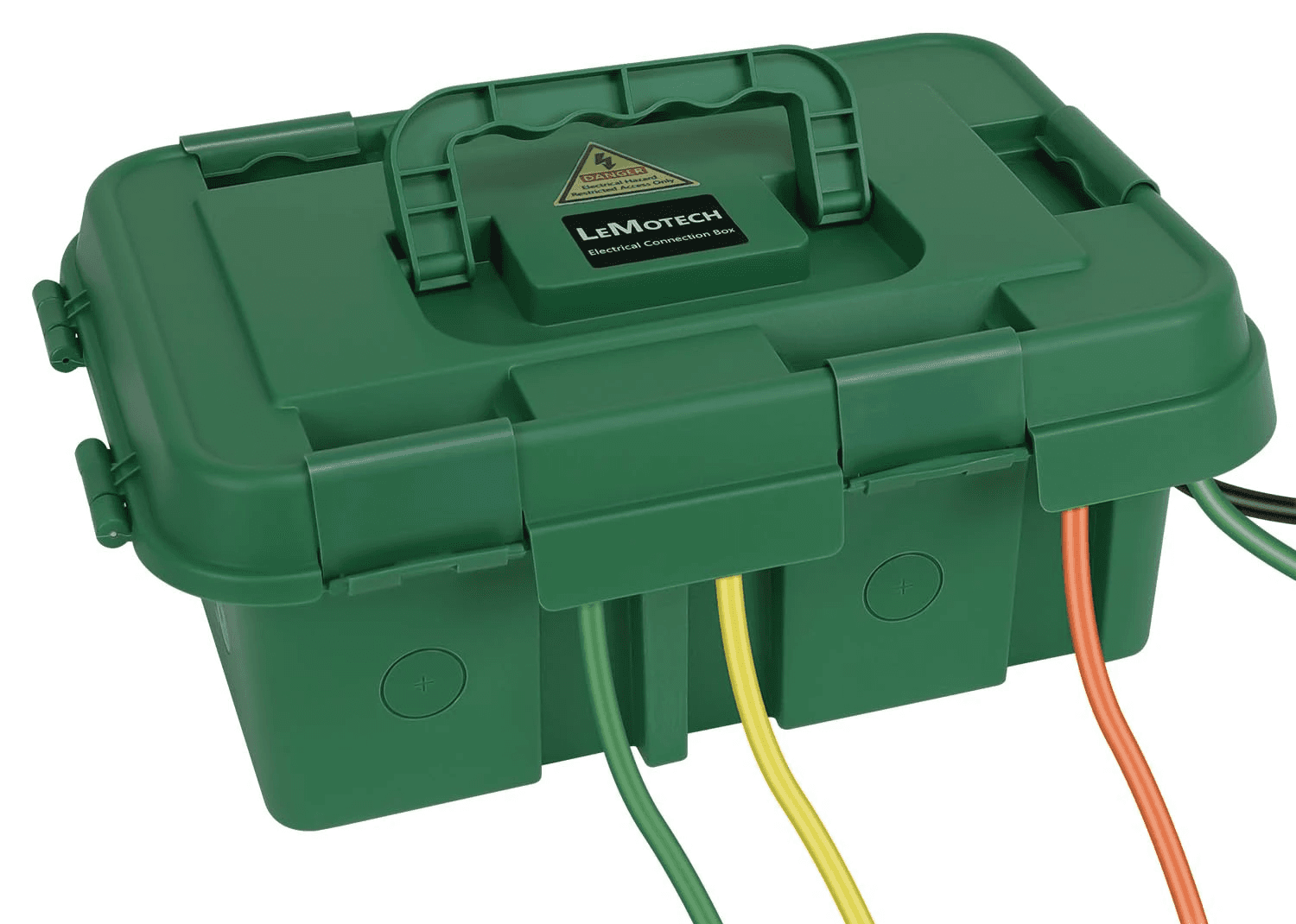
In the end, I decided to just leave the router outside in a waterproof case and set up a mesh router indoors to extend coverage. For now, all I want is to test Starlink before committing to something permanent.
Setup
For such a technically advanced product, setup is surprisingly straightforward. Once everything's plugged in, the Starlink app walks you through a quick tutorial to help you find the right spot and point the dish in the right direction.
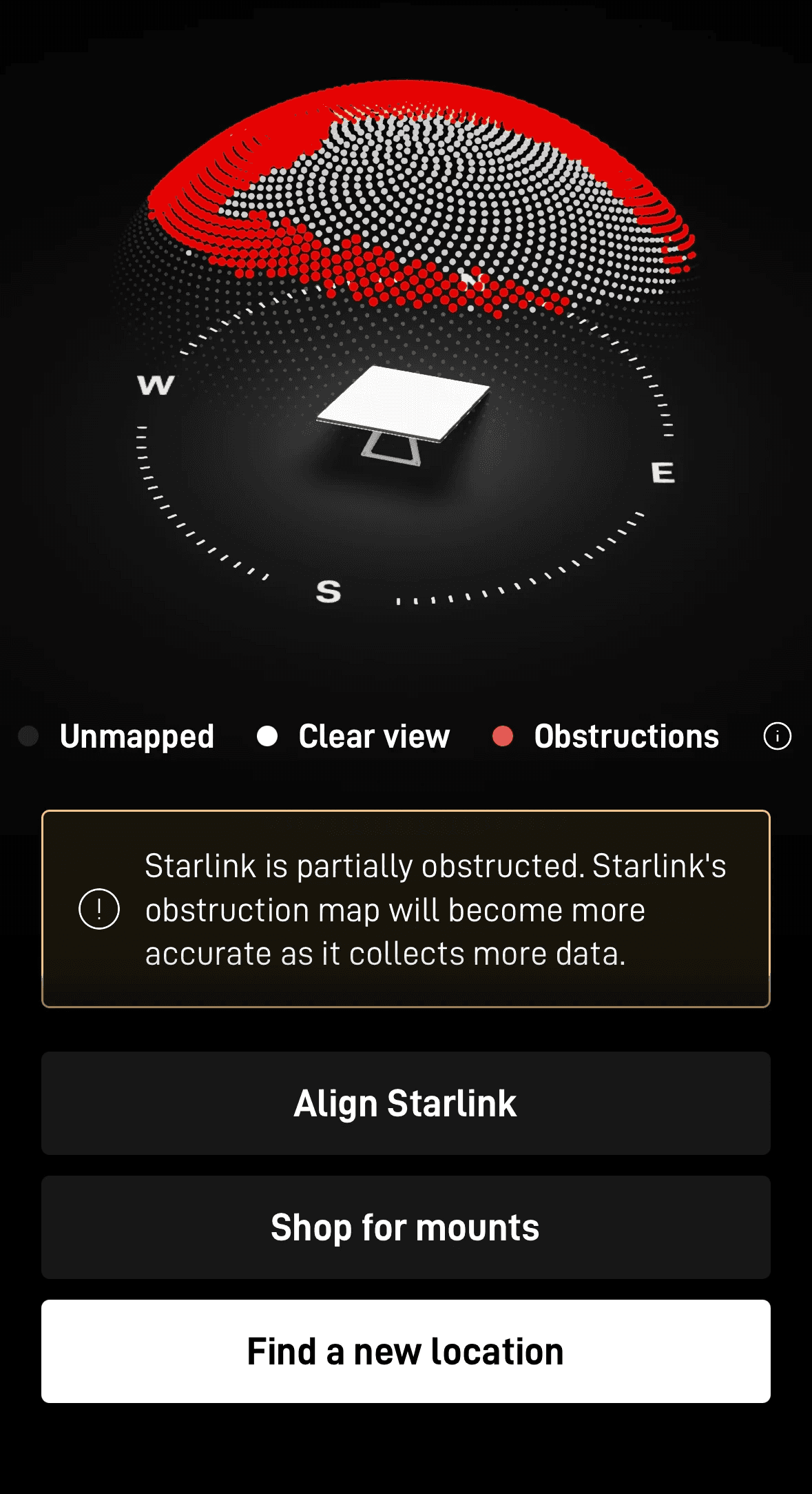
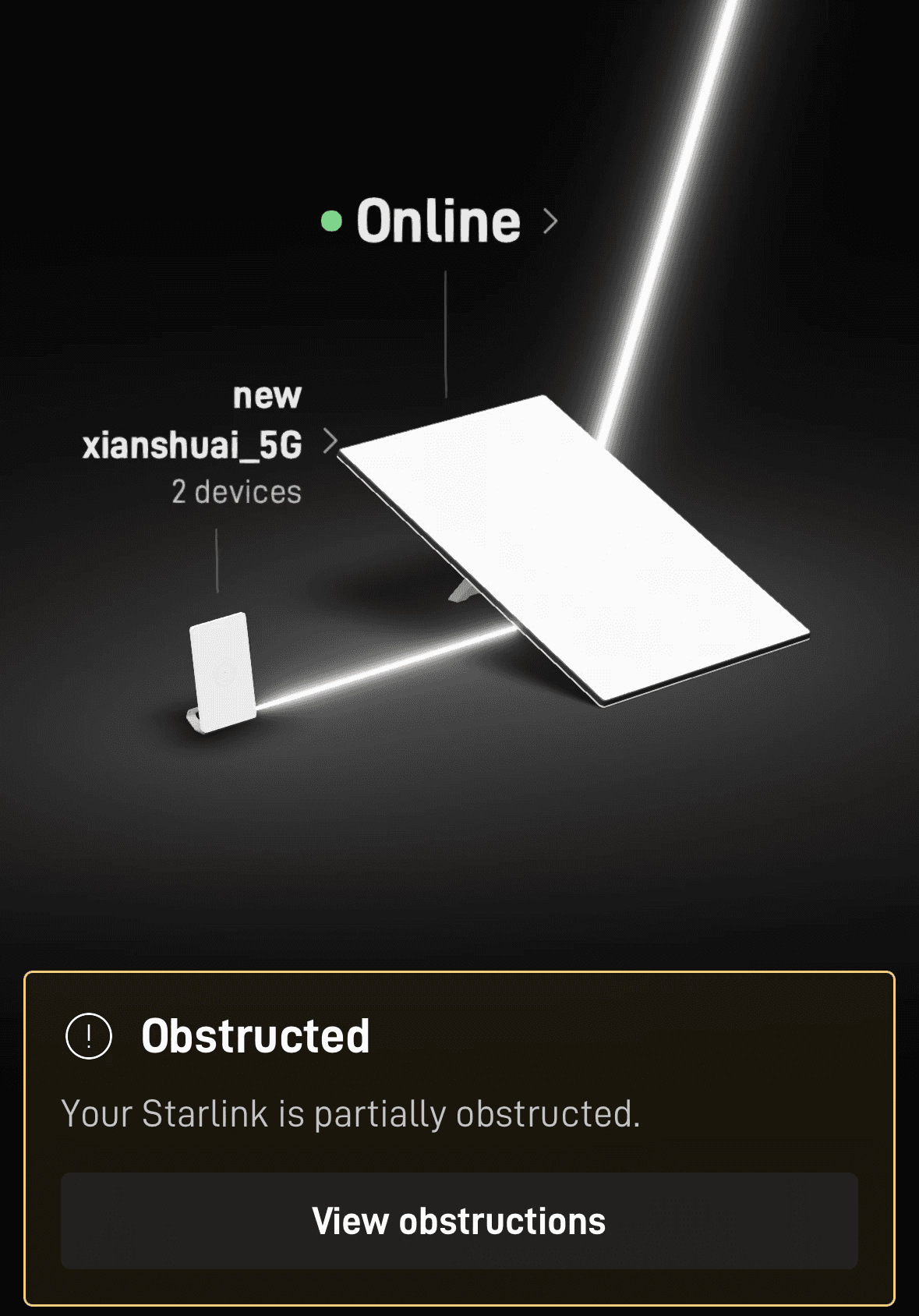
The main requirement is a clear view of the sky. But this is urban Ontario, and my backyard has a few trees blocking about 70% of it. After some trial and error, I found that the gap between my house and my neighbour's had more sky exposure than the backyard, though it's still limited.
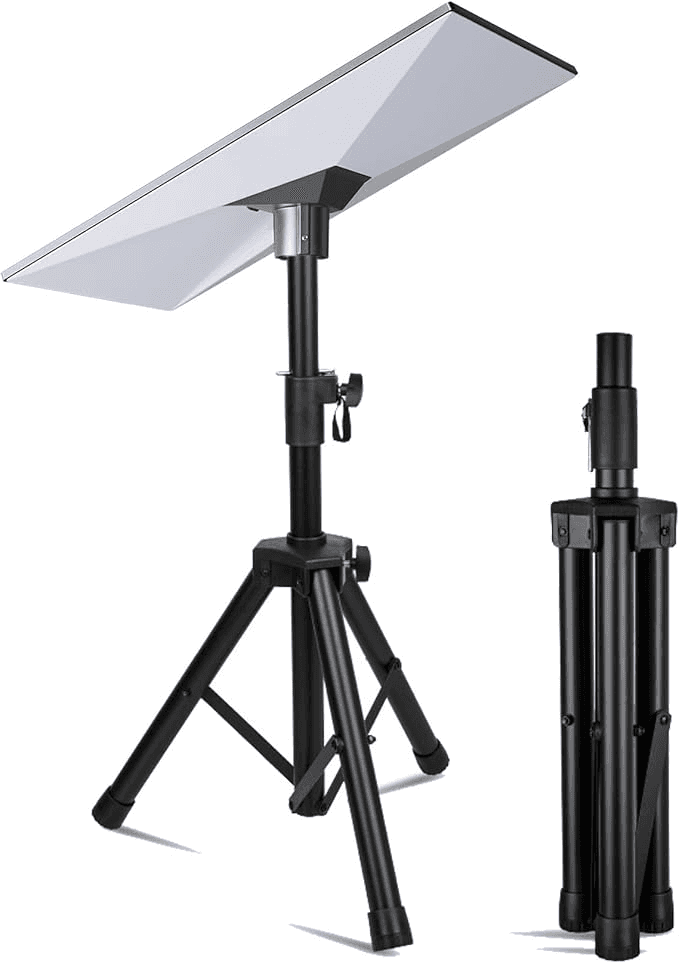
The dish comes with its own stand that holds it at roughly a 20–30 degree angle. But after a few days on the ground, I found it was prone to dust and bugs, so I bought a compatible tripod to raise it about 1.5 metres off the ground. The Starlink tripod I got on Amazon is impressively sturdy and has handled a few summer thunderstorms just fine. Raising it keeps the dish cleaner and also gives it a bit more clearance.
Cost
Upfront, you pay the first month's subscription plus shipping for the rental hardware. On top of that, the tripod, waterproof case, and indoor router came to about $120.
Speed
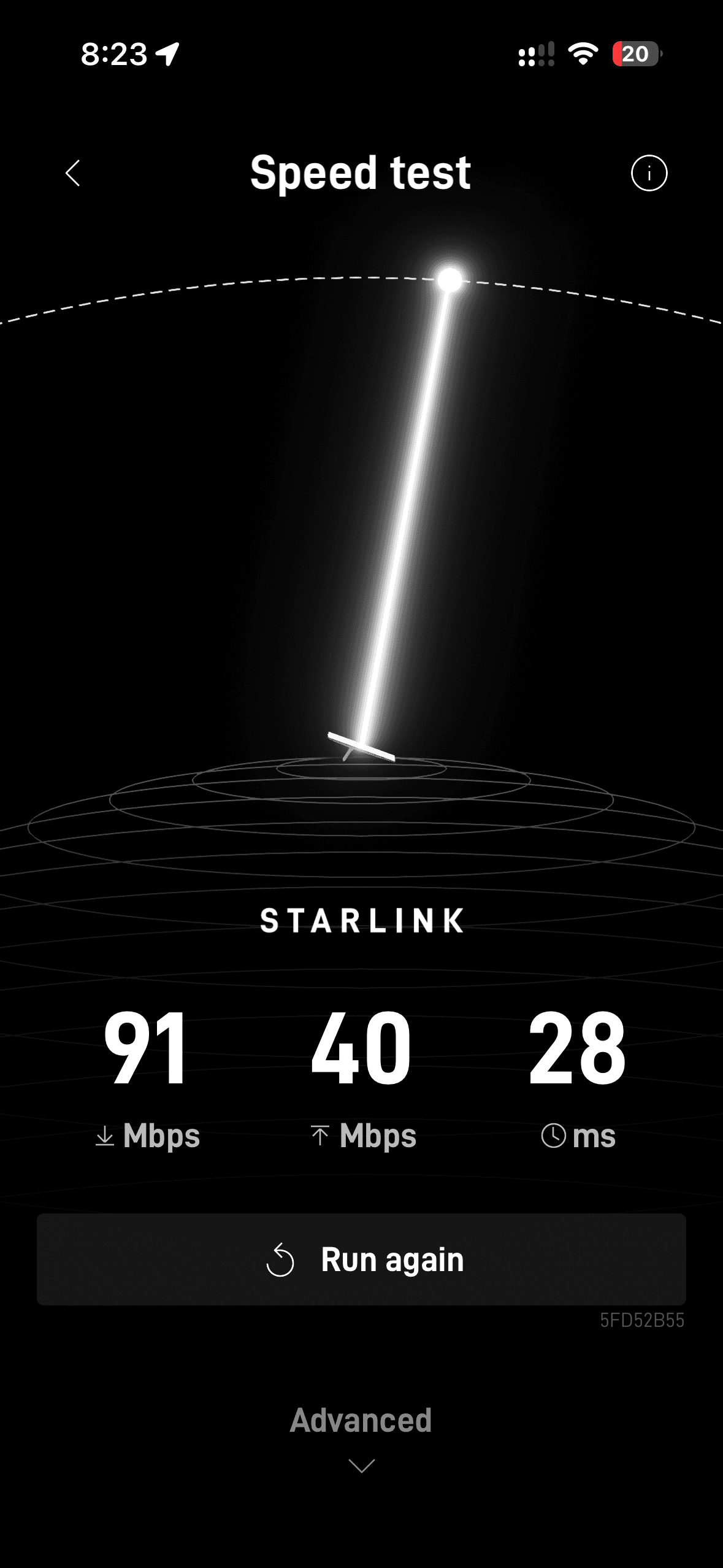
I signed up for the basic 100 Mbps plan, which turned out to be more than enough. To my surprise, even though my dish can only see about 40% of the sky, performance didn't drop off nearly as much as I expected. In real life, the speed is generally guaranteed at 90-100 Mbps with sometimes a bit over it.
Videos can take a moment to load and may look blurry for the first few seconds, but the quality improves quickly and stays steady once the app has buffered ahead. General browsing isn't nearly as demanding as streaming, so it's mostly fine.
The one thing I wasn't happy with was ping (latency). Even though there's plenty of bandwidth for video, the connection isn't as responsive as I'd hoped. In fast-paced online games that need low latency, Starlink struggles to keep up.
Video conferencing is even worse, since it's like gaming but needs both high bandwidth and low latency. So the whole case for Starlink as a backup for video calls doesn't hold up as well as I'd hoped.
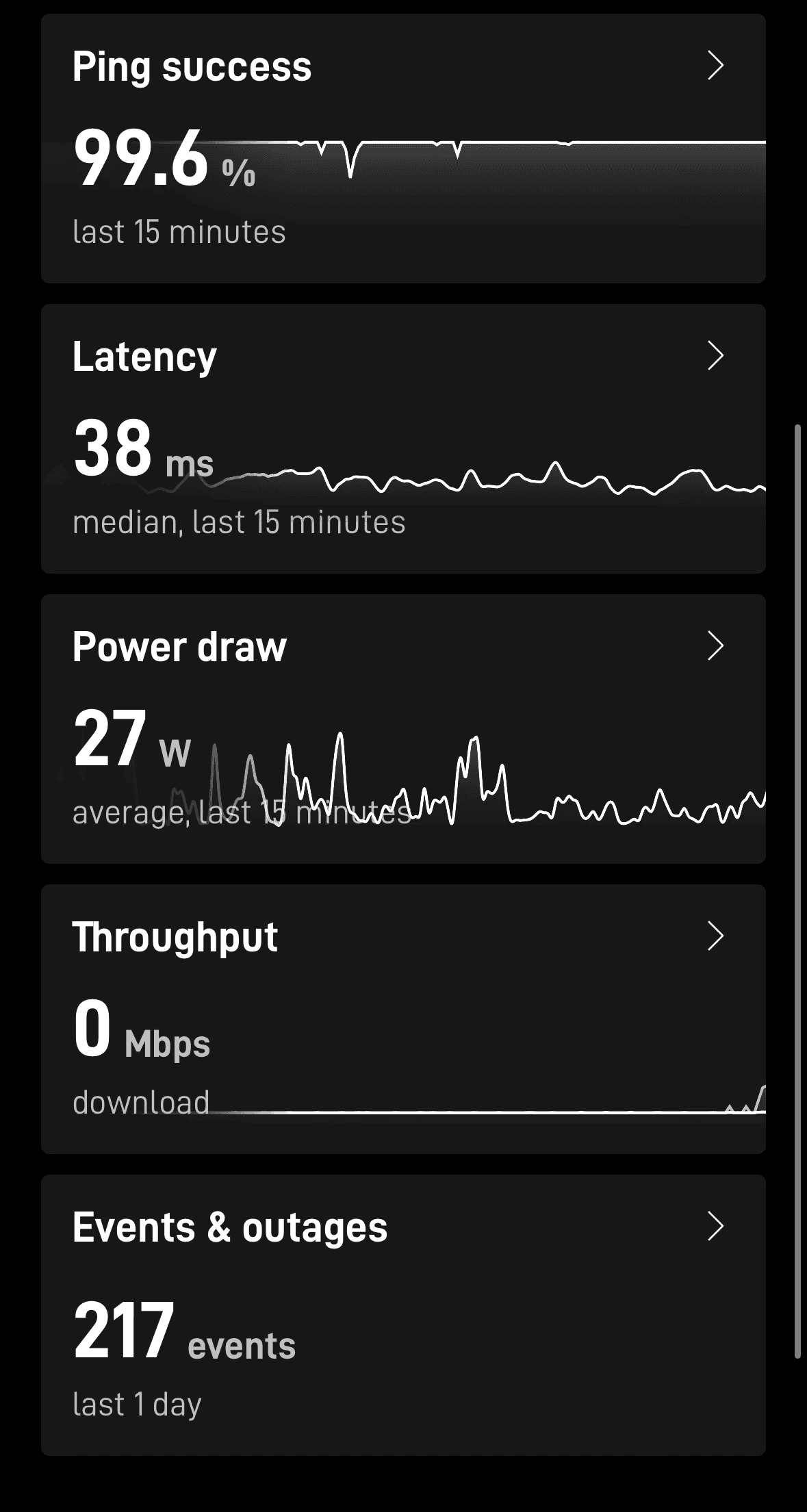
I should mention that all of this is based on about 40% sky coverage, which I'd argue is good enough for most typical household use.
UI
As shown in the screenshots above, Starlink also features a very modern UI that's great at onboarding and showing all statistics and data with engaging visuals. It covers from basic set up to running speed tests to let you know you are covered (literally). It's very easy to use for anyone with some basic internet setup knowledge.
Verdict
I think Starlink is still a very practical option if you live in an urban area and are stuck with an unreliable internet provider, as long as you can find some open space on your property: a backyard, front yard, or even a balcony.